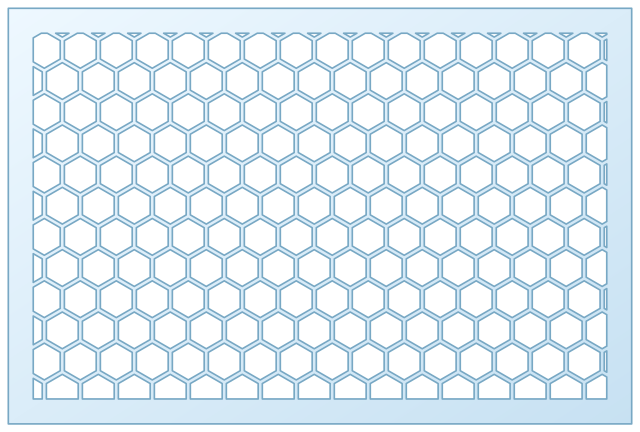
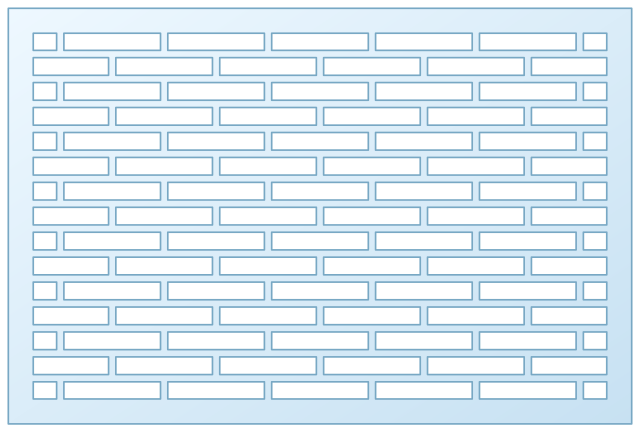
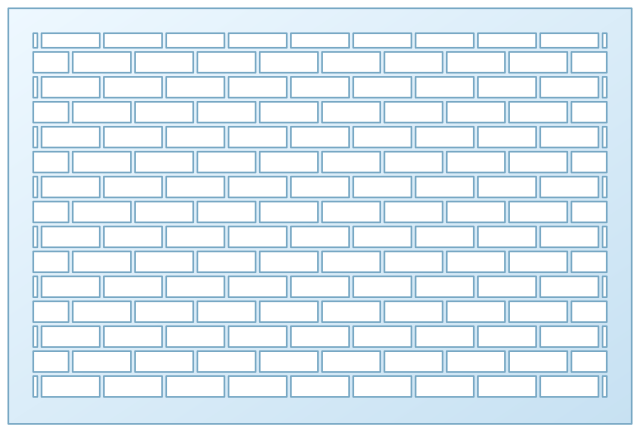
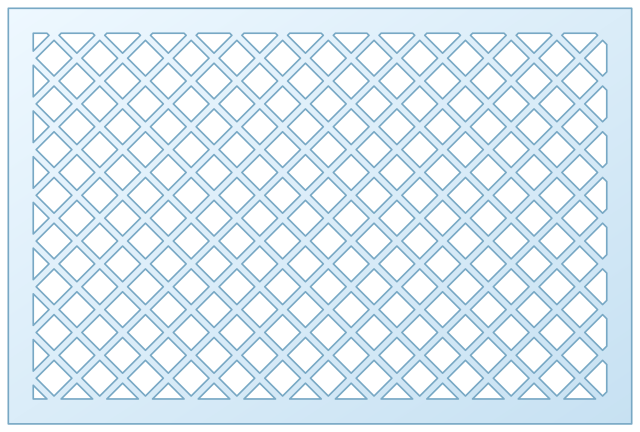
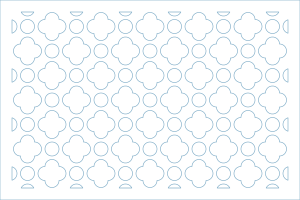
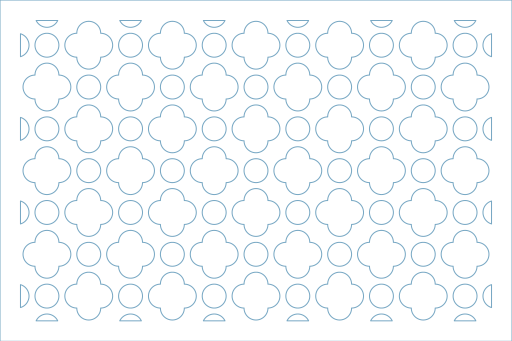
Clouds Pattern uses the default Clover Dot Grid Pattern settings and is ready to export as SVG, DXF, PNG, or PDF.
Saved Design
Clouds Pattern
Clover Dot Grid Pattern saved on March 10, 2026.
Clover Dot Grid PatternLatticePublic DesignState ID balts5
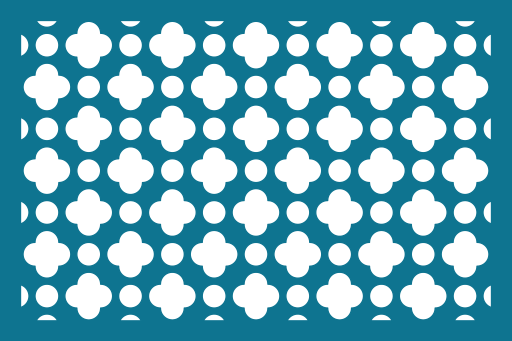
Design Summary
0 custom values
Created
Mar 10, 2026
Use It
Edit or remix
Design Snapshot
Main values in plain language
Clover Dot Grid Pattern configured with width 300 mm, height 200 mm.
Clover Dot Grid PatternLatticeLaser CutSVGDXFPublic Design
Measurement Summary
300 mm
200 mm
Custom Values
Parameters changed from the generator defaults
These are the saved values that make this design different from the default Clover Dot Grid Pattern setup.
This design is using the default generator values.
Recommended Uses
Projects this design suits well
These suggestions come from the base generator category and are useful starting points when deciding where to apply this saved variation.
Decorative wall panels
Laser cut vents and speaker grills
Furniture inserts and screens
Acrylic and plywood pattern panels
Export Guidance
When to use SVG vs DXF
Both exports are generated from the same saved values, so the best choice depends on what tool you plan to use next.
SVG
Best for vector editing and quick laser workflows
DXF
Best for CAD-oriented fabrication pipelines
PNG / PDF
Best for review, sharing, and client approval